How to spot a bot account
Bots give themselves away through patterns, not single posts. AI makes those harder to see, so Sincerus checks how each post was made instead.
Updated
What are the signs of a bot account?
A new account with a lot of activity
Created recently, already posting or replying hundreds of times a day.
A borrowed or empty profile
A stock or AI-generated photo, a handle ending in a string of digits, a bio of keywords.
Posting at all hours
Activity with no gaps for sleep, often at exact intervals.
Replies that fit anywhere
Praise, outrage or a question that would make sense under any post.
The same text in many places
Identical phrases from accounts that follow each other.
Links, always
Most posts push the same link, coin, product or channel.
How can I check a suspicious account?
- Search the profile photo with a reverse image search.
- Scroll to its first posts and see when the account started and what it posted about then.
- Search a distinctive sentence from its posts in quotation marks.
- Look at who it follows and who follows it: networks of bots follow each other.
Why is it harder to spot bots now?
Because AI writes fluent, varied text. Spelling mistakes and repeated phrases used to be a giveaway; an AI-written reply now reads like a person’s. That moves the question from “does this read like a human?” to “was this typed by one?”
How does Sincerus deal with bots?
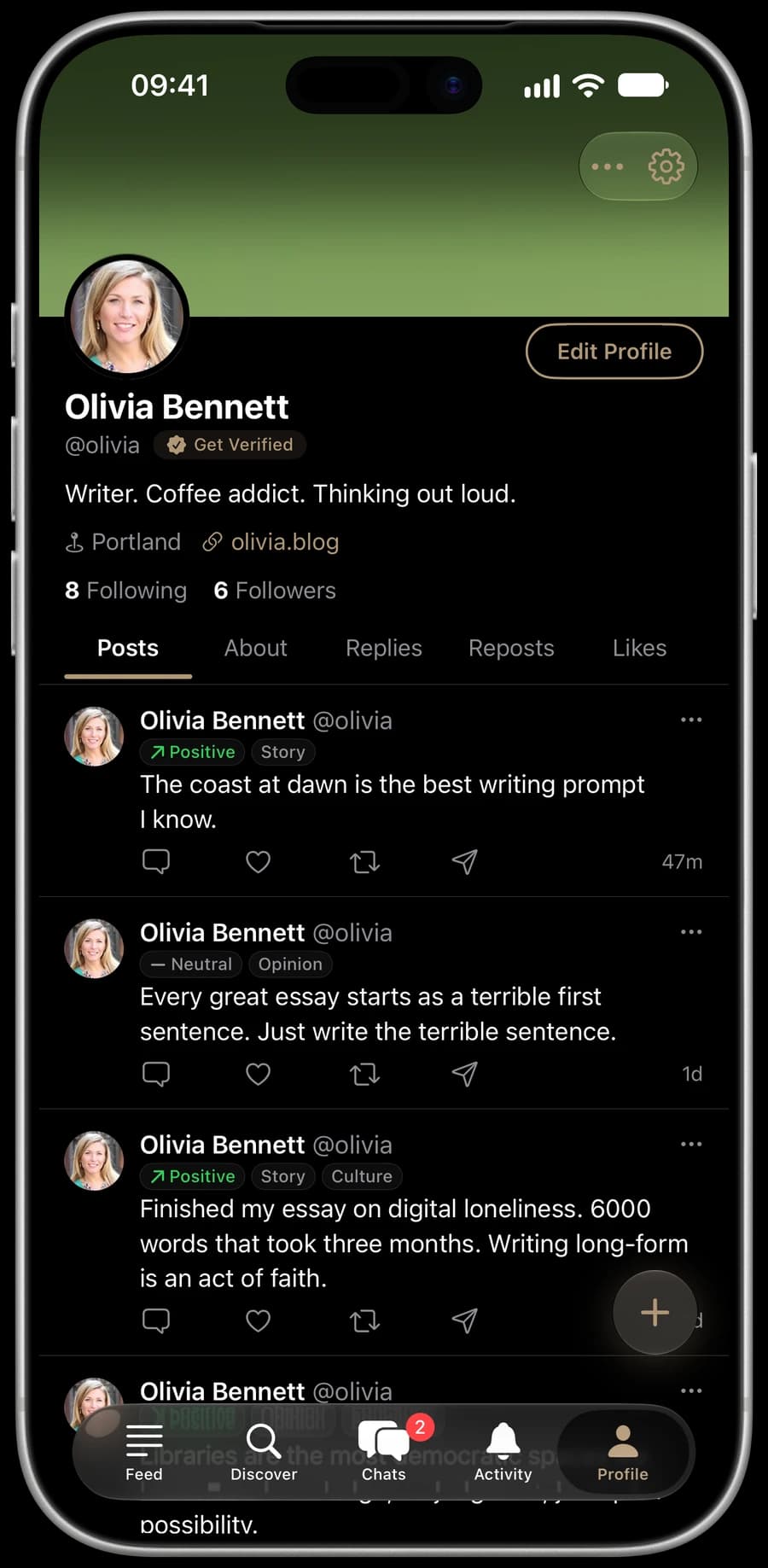
Sincerus doesn’t try to guess. Every Sincerus post is typed in an editor with paste and AI writing turned off, confirmed with Face ID, Touch ID or the passcode, and signed by a real iPhone with Apple App Attest before it is published. Scripts and server farms can’t produce that. Read how verification works.
Sincerus is a social network for iPhone where every post is typed by a person and confirmed with Face ID. No bots, no AI-written posts.